Teams Creator
Create teams, championships, seasons, and tournaments with Teams Creator. Form dream and balanced teams, organize tournaments, and save live statistics of the game.
Get the app
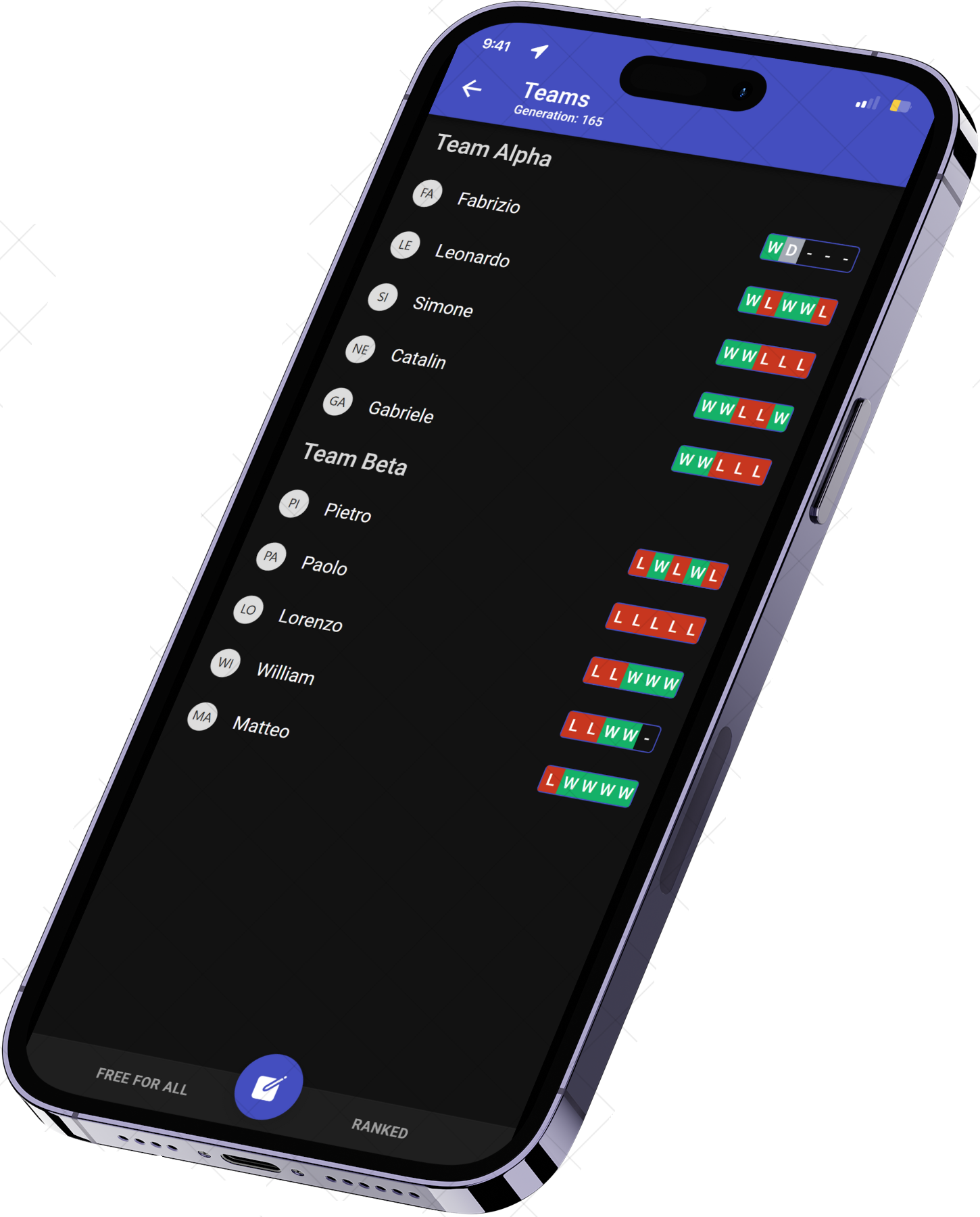
Empower your team
Organize matches with your friends, play your games, and monitor them with live, meaningful statistics. Create teams, championships, or tournaments. Make managing your friends easier than ever.
Get organized, keep playing
The complete toolkit for your matches
Access your game management tools on the go. Organize matches, create balanced teams, check weather, run polls, and save results and stats in one place.
Game Scheduling
Easily organize and schedule games with your friends or teams, ensuring everyone knows when and where to play.
Team Creation
Create and manage teams effortlessly, allowing you to focus on playing rather than organizing.
Weather Updates
Get real-time weather updates to ensure your games aren't disrupted by unexpected weather conditions.
Conduct Polls
Engage your team with polls and surveys to make decisions or gather opinions quickly and easily.
Save Results & Stats
Keep track of game results and player statistics to monitor performance and improve future games.
Balanced Teams
Automatically create balanced teams based on player skills and stats to ensure fair and competitive games.
Frequently asked questions
Quick answers to the most common questions about creating teams, organizing games, and tracking performance with Teams Creator.
How do I schedule a game?
To schedule a game, go to the 'Game Scheduling' section, select a date and time, and invite your friends or team members. Our app will notify everyone of the upcoming match.
How can I create and manage teams?
Creating and managing teams is simple. Navigate to the 'Team Creation' section, enter your team details, and add members. You can also edit team information and manage members from this section.
How do I check the weather for a game?
To check the weather, go to the 'Weather Updates' section. You will see real-time weather information for your selected game location, helping you plan accordingly.
How can I conduct polls within the app?
You can conduct polls by visiting the 'Conduct Polls' section. Create a new poll, add your questions, and share it with your team or group. The results will be collected and displayed within the app.
How do I save game results and track player statistics?
To save results and track stats, go to the 'Save Results & Stats' section. Enter the game outcomes and player performance details. The app will store and display these stats for future reference.
How can I ensure teams are balanced?
Our app helps you create balanced teams. Visit the 'Balanced Teams' section, input player skills and stats, and the app will generate teams that are fair and competitive.